Agent teams
A Main Agent plans the work, asks clarifying questions, and delegates to up to six sub-agents running in parallel.
Stop juggling browser tabs and terminal windows. Run Claude Code, Codex, Antigravity, OpenCode, Freebuff, and local Ollama side by side — with multi-agent teams, Git worktrees, artifact previews, and voice dictation. Your code never leaves your machine.
0
0
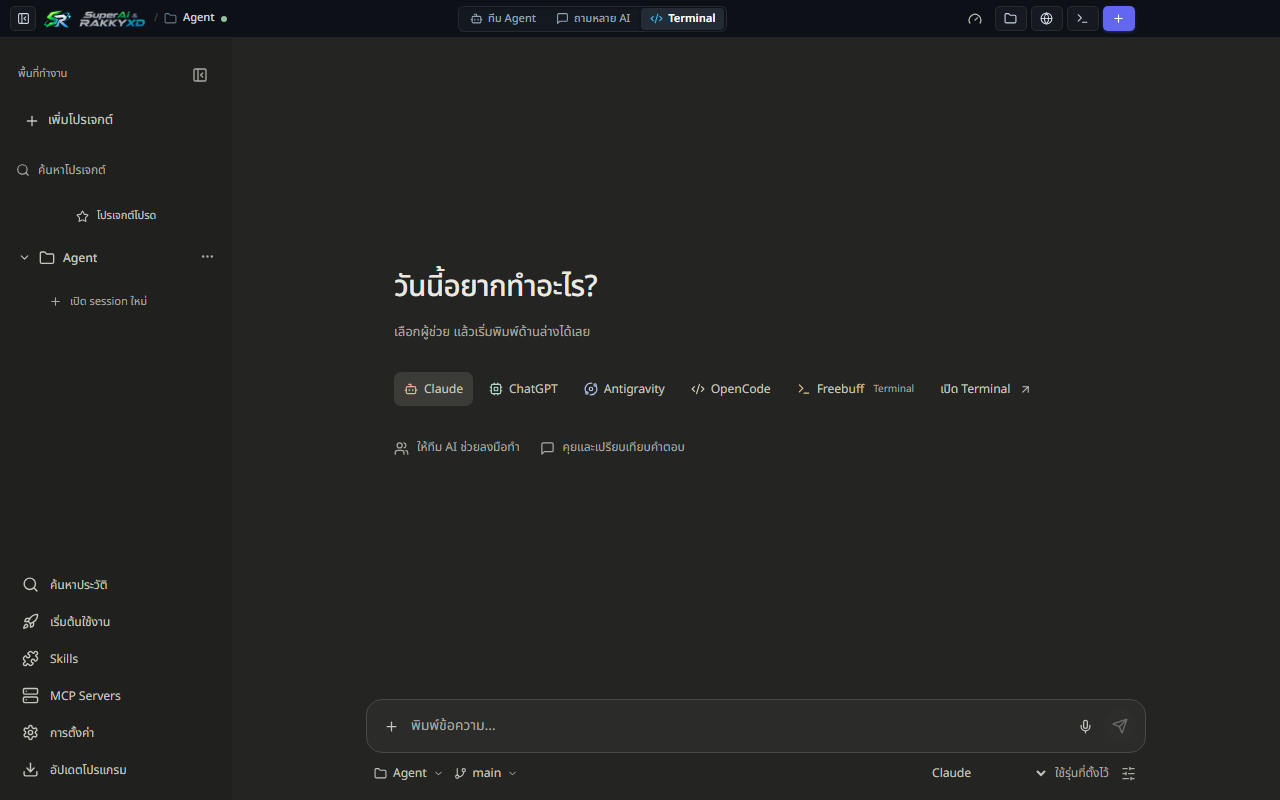
Everything you need to coordinate providers, agents, and repositories from a single window.
A Main Agent plans the work, asks clarifying questions, and delegates to up to six sub-agents running in parallel.
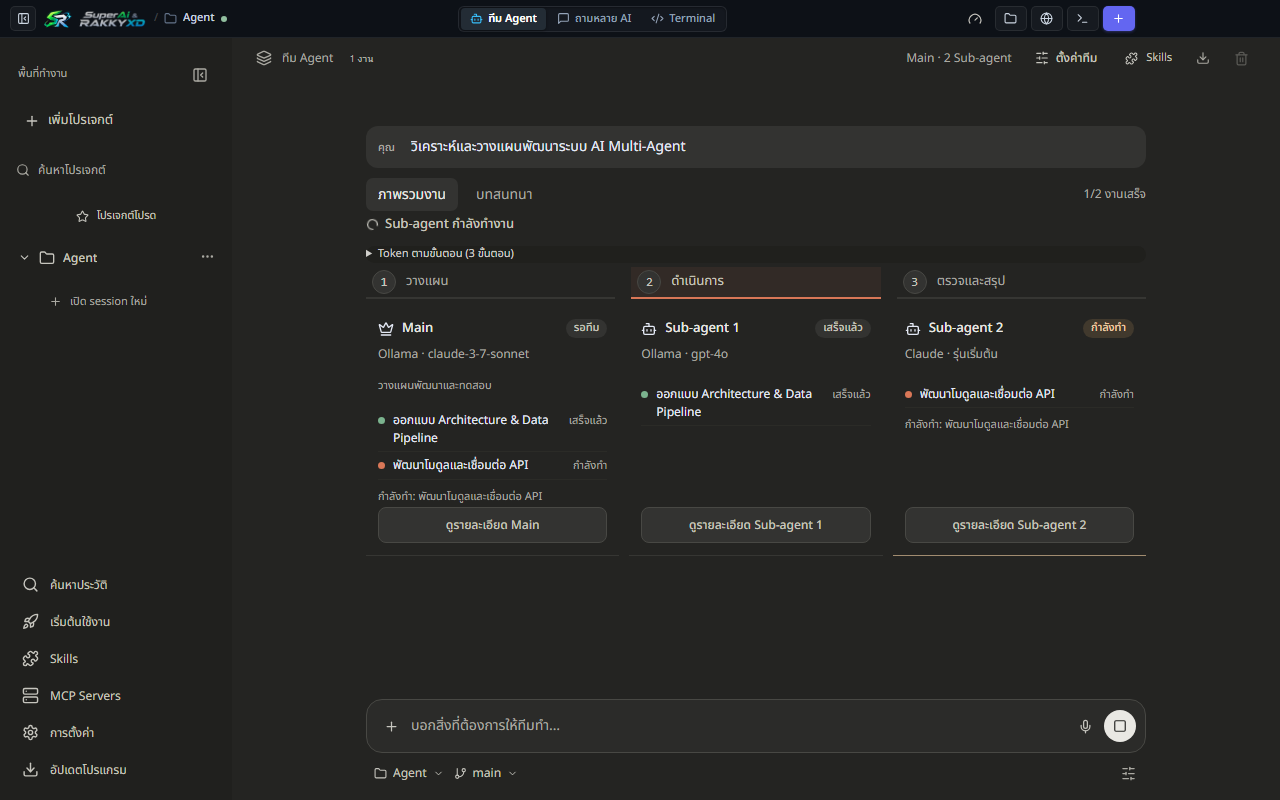
Send one prompt to several models, compare answers side by side, and synthesize the strongest result.
Switch branches and develop features in parallel folders without stash collisions. Merge back with one click.
Search every conversation across every provider with full-text search, then reopen any session instantly.
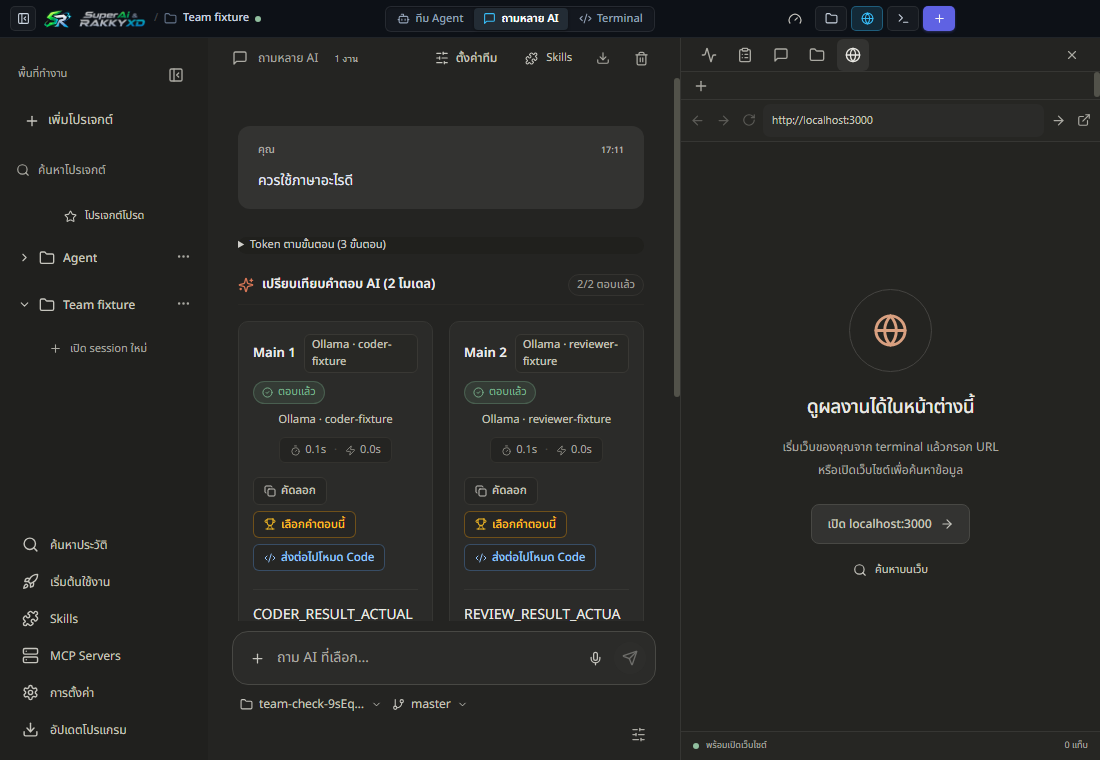
Render HTML, SVG, Tailwind, Mermaid, and interactive React components without leaving the app.
Offline Whisper speech-to-text, including Thai. Audio is processed on your machine and never uploaded.
See 5-hour and weekly usage windows for Claude, Codex, and Antigravity in real time.
Plan safely in read-only mode, or grant edit access when you want agents to write files and run commands.
Have one model review another's work, with localhost and folder-trust checks before anything runs.
Every link points at the latest release. Portable ZIP builds and SHA-256 checksums are on the Releases page.
| Platform | Installer | Size | Format |
|---|---|---|---|
| Windows 10 / 11 (64-bit) | SuperAi-RAKKYXD-Setup.exe | ≈95 MB | NSIS installer |
| macOS Apple Silicon (M1–M4) | SuperAi-RAKKYXD-macos-arm64.dmg | ≈118 MB | DMG |
| macOS Intel (x64) | SuperAi-RAKKYXD-macos-x64.dmg | ≈124 MB | DMG |
The first-run guide installs Node.js and Git if needed, then lets you sign in to the providers you already use.
# 1. Install the app for your platform, then open it
# 2. Let the setup guide install Node.js 22 and Git
# 3. Pick a provider and sign in with your own account
# 4. Open a project folder — or start in Quick Chat

# Building from source instead?
git clone https://github.com/rakgoorak/SuperAi-RAKKYXD.git
cd SuperAi-RAKKYXD
npm install
npm run build
npm start
No. SuperAi & RAKKYXD is an independent open-source project. It drives the official CLIs using your own accounts. All product names and trademarks belong to their respective owners.
No middleware. Prompts and code go directly from your machine to the provider you choose, and local models run entirely offline through Ollama. The app only sends an anonymous usage count (a random install ID, the app version and the OS), which you can turn off in Settings. Privacy policy
Not necessarily. If you already have a Claude, ChatGPT, or Antigravity subscription, the app uses the CLI login flow. API keys are optional and stored locally.
The current builds are not code-signed yet. Verify the SHA-256 checksum, then allow the app once. Signed and notarized builds are being set up.
Windows 10/11 64-bit and macOS 11+ on Apple Silicon or Intel. Linux is not officially supported yet.
Free code signing provided by SignPath.io, certificate by SignPath Foundation.